When choosing a cooling fan, expect noise levels that range from barely noticeable hums around 20-30 dB for quiet models, to louder whines exceeding 40 dB for high-performance fans. Factors like blade design, speed, and bearing quality influence how loud a fan gets. If you want a quieter environment, look for fans with sound-dampening features or adjustable speeds. Keep exploring to discover how to balance cooling performance with comfort in any setup.
Key Takeaways
- Typical low-noise fans operate around 20-30 dB, providing near-silent operation suitable for quiet environments.
- Mid-range fans produce noise levels between 30-40 dB, balancing cooling performance with moderate sound.
- High-performance fans can exceed 40 dB, sometimes reaching 50 dB or more, which may be noticeable in quiet spaces.
- Fan noise varies based on design, blade shape, RPM, and bearing quality, affecting overall sound output.
- Noise reduction features like sound-dampening materials and PWM control help maintain quieter operation.
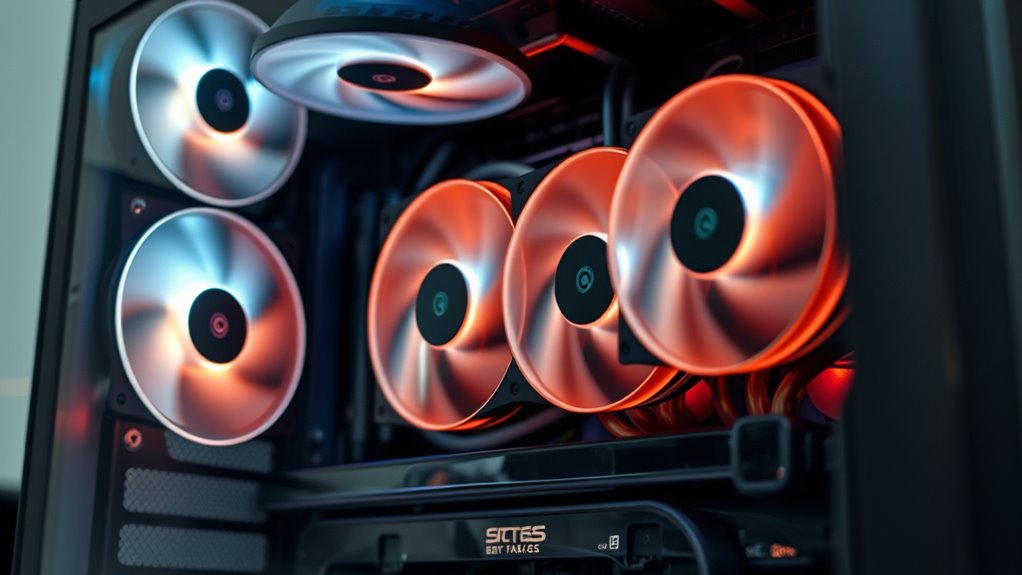
Cooling fans are vital for preventing overheating in electronic devices, but their noise levels can markedly impact your comfort and productivity. When a fan operates, it produces sound that varies depending on several factors, including its design and speed. Fan noise can range from barely noticeable hums to disruptive loud whines, influencing how comfortably you work or relax around your devices. Understanding the acoustic levels of different fans helps you choose options that balance cooling efficiency with a quieter environment, especially if you spend long hours at your computer or in a workspace.
Cooling fan noise levels significantly affect comfort and productivity in your workspace.
The acoustic levels of cooling fans are typically measured in decibels (dB). Low-noise fans operate around 20-30 dB, comparable to a whisper or gentle rustling leaves, making them suitable for quiet settings. Mid-range fans might produce sounds between 30-40 dB, which can be acceptable in most environments but may become noticeable during silent moments or late at night. High-performance or gaming fans often exceed 40 dB, sometimes reaching 50 dB or more, which can be quite loud and distracting. Your tolerance for fan noise depends on your environment and personal preferences, but it’s vital to consider these levels when selecting a cooling solution.
Many factors influence fan noise beyond just their acoustic levels. The fan’s design, blade shape, and bearing type all contribute to how much noise it generates. For example, fans with larger blades or those designed for low RPM operation typically produce less noise. Additionally, the quality of bearings impacts noise levels; high-quality bearings tend to operate more smoothly and quietly. The fan’s speed settings also play an important role—running a fan at maximum speed produces more noise, but it also offers better cooling. Some advanced fans come with PWM (Pulse Width Modulation) control, allowing you to adjust fan speeds dynamically to reduce noise when less cooling is needed.
If noise becomes a concern, you can look into solutions like selecting fans with improved acoustic properties, adding sound-dampening materials, or adjusting fan speeds with software controls. Many modern cooling fans incorporate noise-reduction features such as silent blades or vibration-dampening mounts. These enhancements help reduce fan noise without sacrificing cooling performance. Additionally, selecting fans with quiet operation features can significantly improve overall comfort. By paying attention to the acoustic levels and fan noise, you create a more comfortable and productive environment, whether you’re working, gaming, or simply relaxing around your devices. Understanding what to expect in terms of noise allows you to make informed choices that keep your electronic equipment cool while maintaining a peaceful setting.
Top picks for "noise level cool"
Open Amazon search results for this keyword.
As an affiliate, we earn on qualifying purchases.
Frequently Asked Questions
How Do Different Fan Speeds Affect Noise Levels?
You’ll notice that increasing the fan speed raises noise levels, making the device louder. When you set the fan to a lower speed, it runs quieter, but cooling might be less effective. Higher fan speeds push more air, which boosts cooling but also amplifies noise. Adjust the fan speed according to your needs—lower speeds for quiet operation and higher speeds when you require better cooling, even if it gets noisier.
Are Quieter Fans Less Effective at Cooling?
Think of quieter fans as skilled dancers—they may move more softly but still perform their routine effectively. Quieter fans are often designed with advanced fan blade design and noise absorption materials that reduce sound without sacrificing cooling power. These innovations allow the fan to operate efficiently at lower noise levels, proving that a quieter fan can be just as effective at cooling your system as louder models.
What Is the Typical Lifespan of a Cooling Fan?
A typical fan lifespan ranges from 3 to 5 years, depending on usage and maintenance. To extend your fan’s life, follow maintenance tips like cleaning the blades regularly and ensuring proper ventilation. Keep an eye on unusual noises or reduced airflow, which can signal wear. Proper maintenance helps your cooling fan operate efficiently longer, saving you money and preventing unexpected failures.
Can Noise Levels Vary Between Brands of Fans?
Yes, noise levels can vary between brands of fans because of differences in brand reputation and noise standardization. Some brands prioritize quieter operation, adhering to strict noise standards, while others may focus on performance over sound levels. You’ll notice that reputable brands tend to produce fans with more consistent, quieter noise profiles, so checking reviews and specifications can help you find a fan that meets your noise expectations.
How Can I Reduce Noise Without Sacrificing Cooling Performance?
To reduce noise without sacrificing cooling, you should focus on sound insulation and fan placement. Use sound-absorbing materials around your fans to dampen noise, and position fans strategically away from your ears or towards open spaces. Additionally, consider adjusting fan speeds or investing in quieter models with advanced noise reduction features. These steps help maintain ideal cooling while keeping noise levels minimal.
Conclusion
Understanding noise levels from cooling fans is like tuning a delicate instrument—you want harmony, not chaos. While some fans hum like a gentle breeze, others roar like a storm. By choosing the right fan and placement, you can keep your device cool without letting noise drown out your peace. Remember, a well-balanced fan is your loyal guardian, quietly working in the background, ensuring your comfort without disrupting your world.