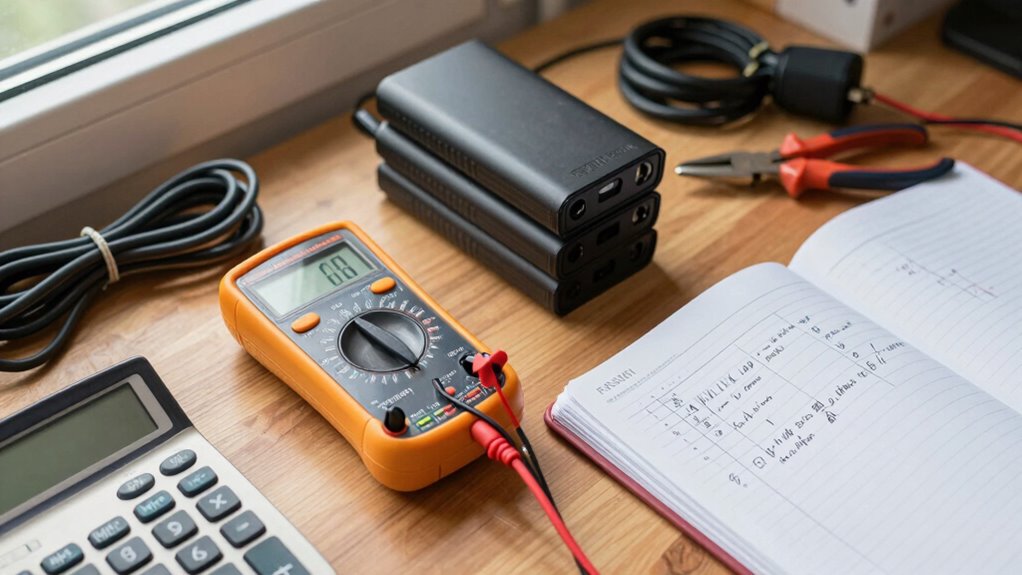

To calculate backup time for essential home devices, first list each device and note their wattage. Add these together to find your total power demand. Next, determine your backup power source’s capacity in watt-hours (Wh), converting amp-hours if needed. Divide the capacity by the total wattage to estimate how long your devices can run. Keep in mind, losses and efficiency can shorten this time. If you want to learn more about optimizing your backup setup, stay with us.

Get backup power and energy gear delivered free with Prime
- Fast, free delivery on millions of items
- Prime Video, Amazon Music and more included
- Member-only deals all year
Key Takeaways
- Sum the wattages of all essential devices to determine total energy demand during outages.
- Convert backup power source capacity from amp-hours to watt-hours if necessary.
- Divide the total capacity (Wh) by total device wattage to estimate backup runtime.
- Account for inverter and battery efficiency losses to get a realistic backup time.
- Incorporate renewable energy outputs to extend backup duration and improve sustainability.
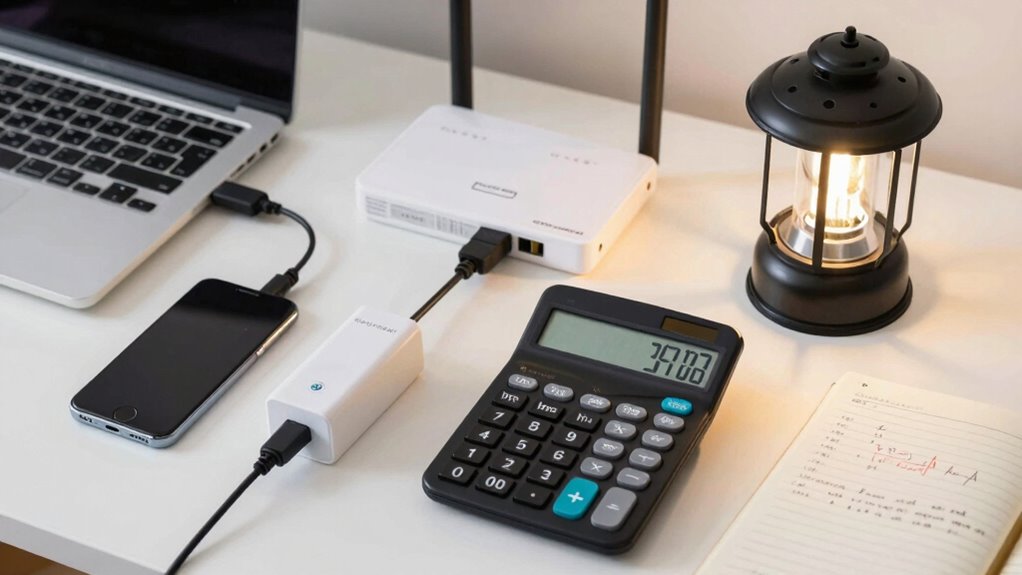
Have you ever wondered how long your home devices can keep running during a power outage? Knowing this is essential for managing your energy needs effectively, especially if you’re considering integrating renewable energy sources or improving your power management system. To determine backup time, you’ll need to understand the power consumption of each device, the capacity of your backup power source, and how these elements work together. Start by listing all the essential devices you want to keep running during an outage—like your refrigerator, Wi-Fi router, lights, and medical equipment. Check each device’s wattage, usually found on the label or in the user manual, and record these numbers.
Next, you’ll want to figure out the total power consumption of your essential devices. Add up the wattages to get a clear picture of the total energy demand. This step is crucial because it helps you understand how much backup power you’ll need. Once you know the total wattage, consider your backup power source, whether it’s a battery bank, generator, or a renewable energy system like solar panels. The capacity of this backup, typically measured in watt-hours (Wh) or amp-hours (Ah), determines how long your devices can run. If you’re using a battery system, convert its capacity into watt-hours by multiplying the amp-hours by the voltage. For example, a 100 Ah battery at 12V provides 1,200 Wh of energy. Understanding the concept of power capacity is vital for accurate calculations. Additionally, understanding the capacity limitations of your backup system can help you plan more effectively. It’s also important to consider storage efficiency, as losses can impact how much usable energy you actually have available. Incorporating technology advancements in energy storage can significantly improve backup times and system reliability. To estimate backup time, divide the total capacity of your backup system by the total power consumption of your devices. For instance, if your battery provides 1,200 Wh and your devices consume 120 W combined, your backup time would be approximately 10 hours. Keep in mind that real-world factors like battery efficiency, inverter losses, and the age of your power source can slightly reduce this time. If you’re using renewable energy sources like solar, consider their output capacity and how long they can sustain your devices, especially if you’re thinking about long-term power management. A well-designed system that incorporates renewable energy can extend backup times and reduce dependency on traditional generators, making your setup more sustainable.
Products Worth Considering

Ring Alarm 8-Piece Kit (Newest Model) – Home Security System

Bose SoundLink Plus Portable Bluetooth Speaker, Black

Dyson V8 Cyclone Cordless Vacuum
As an affiliate, we earn on qualifying purchases.
Frequently Asked Questions
What Factors Affect Backup Time Accuracy?
Factors like battery capacity and load fluctuations profoundly affect backup time accuracy. If your battery’s capacity is underestimated, your backup time will seem shorter than it actually is. Similarly, load fluctuations, such as devices turning on or off unexpectedly, cause variations in power consumption, making backup time estimates less precise. Monitoring real-time usage and ensuring your battery capacity data is accurate help improve backup time predictions for your essential home devices.
Can Backup Time Vary With Device Usage?
Yes, backup time can vary with device usage because of differences in battery capacity and power consumption. When you use devices that draw more power, the backup time decreases since the battery drains faster. Conversely, if your devices consume less power, your backup system lasts longer. Monitoring how much power each device uses helps you better estimate actual backup durations and guarantees your essential devices stay powered when needed.
How Often Should I Test My Backup System?
You should test your backup system at least once every three to six months. This guarantees the battery capacity remains sufficient and that the system operates effectively during an outage. Regular testing helps you identify any issues related to power efficiency or battery degradation, allowing you to replace or upgrade components before a real emergency occurs. Consistent testing keeps your backup system reliable and ready whenever you need it.
Is Backup Time the Same for All Power Sources?
Backup time isn’t the same for all power sources because of power source differences and battery capacity. Different sources, like generators or batteries, have varying efficiencies and storage levels, affecting how long they can power your devices. Battery capacity directly influences backup duration; larger capacities provide longer backup times. So, when planning, consider these factors to guarantee your essential devices stay powered during outages.
What Is the Ideal Backup Duration for Essential Devices?
The ideal backup duration depends on your essential devices’ battery capacity and power consumption. You should aim for a backup time that covers your most critical needs, like lights or medical equipment, typically lasting 4 to 8 hours. To determine this, evaluate your devices’ power consumption, then choose a backup system with sufficient capacity to keep them running comfortably during outages.
Conclusion
Now that you know how to calculate backup time for your essential home devices, you’re practically a superhero ready to save the day during power outages. With this knowledge, you can guarantee your appliances stay powered longer than a marathon runner crossing the finish line. Just remember, a well-planned backup system isn’t just a safety net—it’s a fortress that keeps your home running smoothly, no matter what chaos the power grid throws your way.