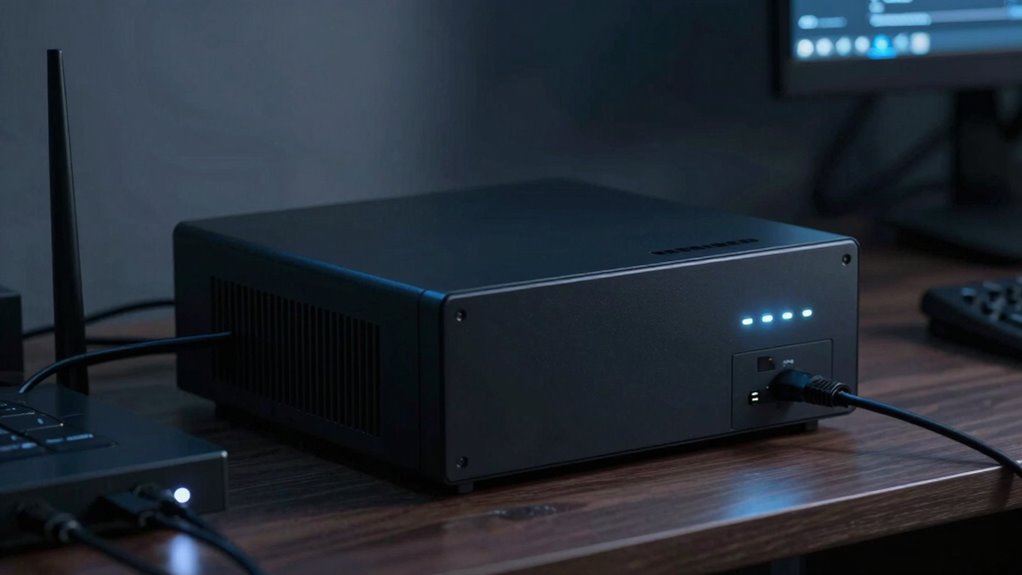
Your UPS often sounds like just background noise—steady hums or beeps that seem insignificant until your internet drops unexpectedly. When everything runs smoothly, you rarely notice it. But when power issues occur, that quiet sound becomes a vital indicator that your devices are protected. Recognizing these signals helps you understand your power stability and prevents data loss or disconnects. Keep going, and you’ll discover how these simple sounds can make a big difference in maintaining your connection.
Key Takeaways
- UPS sounds are typically unnoticed until a power outage causes internet disconnection.
- Steady hum or beep indicates normal operation, but becomes critical during outages.
- Recognizing UPS signals helps ensure your devices stay powered and your internet remains stable.
- Power fluctuations often trigger UPS backup, preventing data loss and connectivity issues.
- Regular awareness of UPS operation provides peace of mind during unexpected power disruptions.
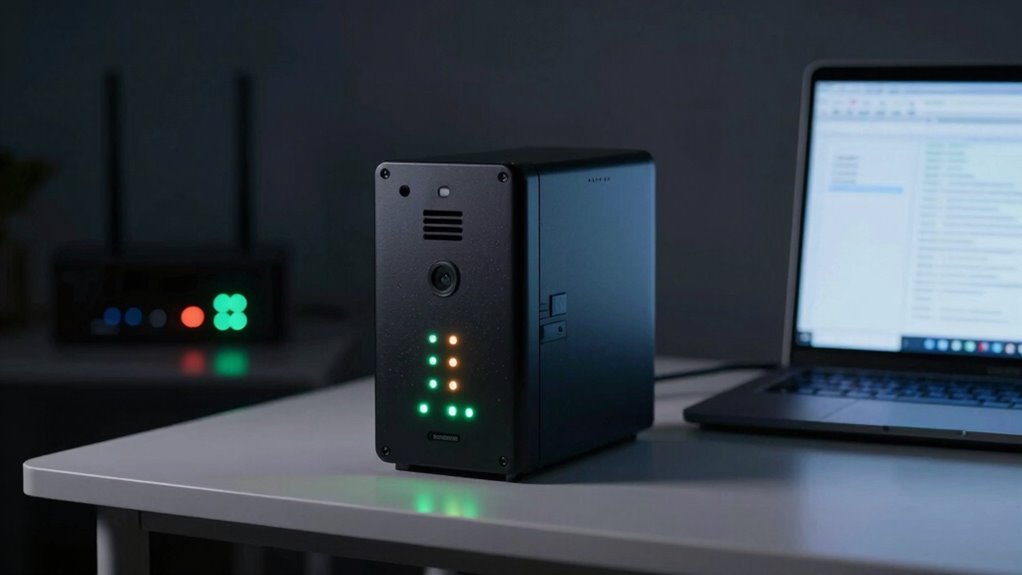
Ever wondered why UPS mode sounds so dull—until your internet suddenly drops? It’s because most of us don’t pay much attention to the hum of the UPS system until it’s actually needed. In everyday use, the UPS’s constant whirring or beeping can seem like background noise, easily ignored. But when your internet goes out unexpectedly, that’s when you realize just how essential this device is. The UPS provides a critical battery backup, ensuring your connected devices keep running smoothly, even during power disruptions. Without it, a brief blackout could mean losing important work or being disconnected from online communication. That’s why power stability, maintained by a reliable UPS, is so indispensable for both home and work environments.
When your internet suddenly drops, it’s a clear sign that your power supply isn’t stable enough to support your devices. The UPS steps in to prevent this disruption, giving you a window of time to save your work, finish a call, or shut down equipment properly. During normal operation, you might notice the UPS making little noise—just a faint hum or a steady beep—an indication that it’s working but not under stress. It’s easy to overlook until the moment you need it most. When power fluctuations or outages occur, the UPS’s battery backup kicks in, providing a seamless transition from mains power to backup power. This backup not only keeps your internet connection alive but also prevents data loss and hardware damage caused by sudden power interruptions. Recognizing the importance of power stability helps you appreciate the vital role the UPS plays in maintaining your digital environment. Additionally, understanding power fluctuations can help you better prepare for unexpected outages and ensure your devices are protected. If you’re relying heavily on internet-dependent tasks, the significance of a UPS becomes even clearer. It acts as a safeguard, stabilizing the power supply and preventing those frustrating disconnects. In fact, the more you understand about power management, the better you can optimize your setup for reliability and peace of mind. The dull sound that once seemed insignificant now feels like a small but mighty protector, quietly working behind the scenes. You start to appreciate the quiet hum or the steady beeping, knowing that it’s there to keep your digital world intact. Without a UPS, any power glitch could mean hours of downtime, lost information, or missed opportunities. With one, you gain peace of mind, knowing that your internet remains stable and your devices are protected, no matter how unpredictable the power grid might be. So, next time you hear that dull sound, remember: it’s your unsung hero, quietly ensuring your connection stays alive when it matters most.

APC UPS 600VA / 330W UPS Battery Backup & Surge Protector, 7 Outlets (NEMA 5-15R), USB Charging Port, BE600M1 Uninterruptible Power Supply for Computers, Wi-Fi Routers, and Home Office Electronics
600VA / 330W RELIABLE BACKUP POWER: Supplies short‑term battery power during outages to maintain internet connectivity and allow…
As an affiliate, we earn on qualifying purchases.
As an affiliate, we earn on qualifying purchases.
Frequently Asked Questions
How Does UPS Mode Protect Against Power Outages?
In UPS mode, you’re protected against power outages by your device switching seamlessly to battery power when mains electricity fails. This switch happens instantly, preventing interruptions. Regular battery maintenance guarantees your UPS functions reliably, while it also guards against power fluctuations, stabilizing your device’s power supply. So, even during outages or unstable power, your devices stay safe and operational, giving you peace of mind and continuous connectivity.
Can UPS Mode Extend Device Lifespan?
Yes, UPS mode can help extend your device’s lifespan by promoting better battery efficiency and encouraging energy conservation. When you use UPS mode wisely, it reduces unnecessary power strain and prevents sudden surges that can wear out components over time. This gentle approach to power management keeps your equipment running smoothly and minimizes wear and tear, ultimately helping your devices stay healthy and functional longer.
Is UPS Mode Suitable for All Electronic Devices?
UPS mode isn’t suitable for all electronic devices. You need to check device compatibility first, as some gadgets, like gaming consoles or certain chargers, may not work well with UPS mode. While it offers energy efficiency benefits by reducing power waste, it’s mainly designed for devices that need backup power during outages. Always verify your device’s specifications to confirm UPS mode provides the protection and functionality you need.
What Are the Costs Associated With UPS Systems?
The costs of UPS systems depend on factors like battery capacity and installation costs. Battery capacity determines how long your devices stay powered during an outage, influencing overall price. Larger capacities cost more, but provide longer backup. Installation costs vary based on your setup complexity and location. You might pay for professional installation or extra accessories. Budgeting for both the UPS unit and installation helps guarantee reliable backup power without surprises.
How Often Should UPS Batteries Be Replaced?
You should replace UPS batteries every three to five years, depending on usage and manufacturer recommendations. Regular battery maintenance is essential to guarantee reliable backup power, so check for signs of aging like swelling or corrosion. Follow the replacement schedule closely, as aging batteries can fail unexpectedly, risking data loss or hardware damage. Staying proactive with battery maintenance helps keep your UPS system running smoothly and your devices protected.
APC UPS 600VA / 330W UPS Battery Backup & Surge Protector, 7 Outlets (NEMA 5-15R), USB Charging Port, BE600M1 Uninterruptible Power Supply for Computers, Wi-Fi Routers, and Home Office Electronics
600VA / 330W RELIABLE BACKUP POWER: Supplies short‑term battery power during outages to maintain internet connectivity and allow…
As an affiliate, we earn on qualifying purchases.
As an affiliate, we earn on qualifying purchases.
Conclusion
You might think UPS mode is dull until your internet drops during an important video call. Suddenly, that steady hum becomes a lifeline, like a safety net catching you when you fall. It’s a quiet reminder that behind the boring sounds lies a powerful backup, saving you from chaos. Just like a reliable friend, it’s easy to overlook until you really need it — proving that sometimes, silence truly is golden.

CyberPower CP1500PFCLCD PFC Sinewave UPS Battery Backup and Surge Protector, 1500VA/1000W, 12 Outlets, AVR, Mini Tower, UL Certified
1500VA/1000W PFC Sine Wave Battery Backup Uninterruptible Power Supply (UPS) System designed to support active PFC and conventional…
As an affiliate, we earn on qualifying purchases.
As an affiliate, we earn on qualifying purchases.

Power Failure Alarm WiFi, Smart Power Outage Alarm with App Notifications, Mini Size Freezer Alert with Loud 110dB & LED Indicator & Voltage Detection, Home Power Monitor for GFCI Trips, Sump Pump
Beware: Please download the correct APP based on the product page reference video and then use. The device…
As an affiliate, we earn on qualifying purchases.
As an affiliate, we earn on qualifying purchases.