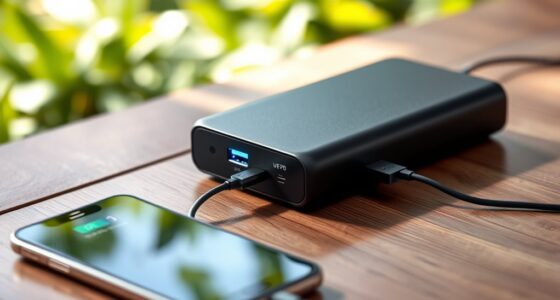
To charge your laptops and electronics with a portable power station, you need to make certain it has the right output ports and enough capacity for your devices’ wattage. Check that the station supports the voltage and connectors your devices require, such as AC or USB ports. Balance capacity and portability based on your needs, so you can keep your devices powered during travel or outdoor activities. Learn more about selecting the best power station for your devices.
Key Takeaways
- Ensure the power station has sufficient wattage and compatible outlets (AC, USB, DC) for your devices.
- Check the battery capacity to confirm it can reliably power your laptops and electronics during use.
- Match the device’s input voltage and wattage requirements with the station’s output specifications for safe charging.
- Opt for stations with multiple ports and adjustable power options for versatile device compatibility.
- Balance capacity and portability based on your usage needs to maintain effective charging without excessive weight.
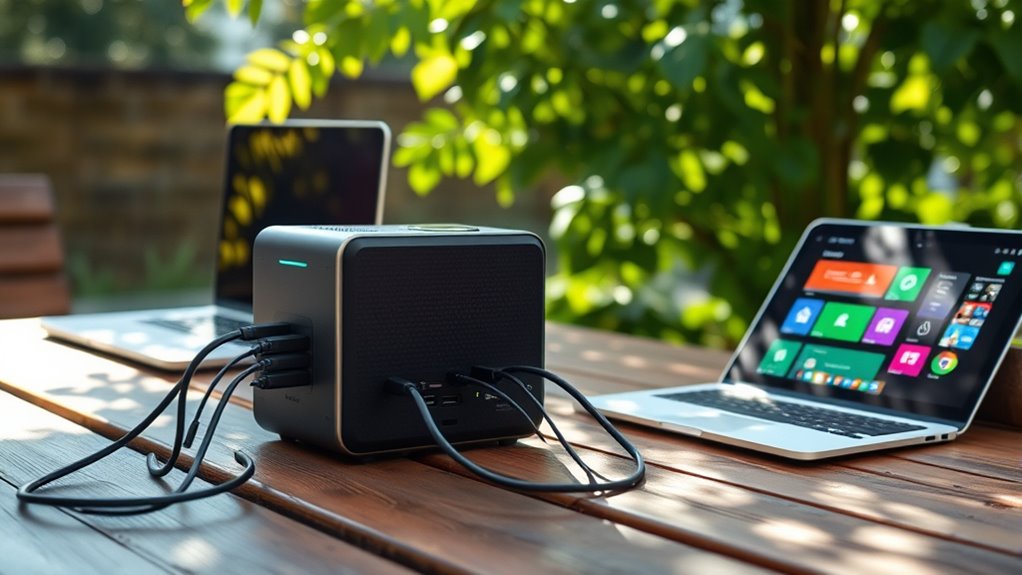
In today’s connected world, staying powered up on the go is more important than ever. Whether you’re traveling, camping, or working remotely, a portable power station can be a game-changer, especially when it comes to charging your laptops and electronics. One of the key factors to consider is the battery capacity of the power station. A larger battery capacity means more stored energy, allowing you to recharge your devices multiple times before needing to recharge the station itself. This is particularly useful if you’re away from power outlets for extended periods. But it’s not just about size; you also need to pay attention to device compatibility. Not all power stations support the same charging ports or voltages, so ensuring compatibility with your specific devices is essential.
A larger battery capacity and device compatibility are key for reliable portable power on the go.
When you select a portable power station, check its output options. Many models offer AC outlets for laptops and larger electronics, along with USB ports for smartphones, tablets, and other gadgets. Some stations also include DC outputs, which can be handy for certain appliances or devices. It’s essential to match these outputs with your device’s power requirements. For example, a laptop may need a specific wattage or voltage, so verify that the station’s AC outlet can supply that. Compatibility issues can lead to slow charging or, worse, damage to your devices. To avoid this, read the specifications carefully and consider stations that include multiple ports and adjustable power options.
Charging your laptops with a portable power station is straightforward, but it’s important to understand your device’s power needs. Modern laptops typically come with power adapters that specify input voltage and wattage. When choosing a power station, look for one that can deliver at least that wattage through its AC outlet. Some stations also feature fast-charging capabilities, which can markedly reduce charging time. Keep in mind that the efficiency of charging depends on both the power station’s battery capacity and device compatibility. The more compatible your devices are with the station’s outputs, the smoother your charging experience will be. Additionally, understanding power station safety guidelines can help prevent potential hazards during use.
In addition, consider how portable the power station is. A larger capacity often means a heavier device, which might be less convenient to carry around. Balance your need for battery capacity with portability based on your usage scenario. Ultimately, selecting a portable power station with the right battery capacity and ensuring device compatibility will provide a reliable power source whenever you need it, giving you peace of mind and keeping your devices ready to go.
Frequently Asked Questions
Can Portable Power Stations Be Used to Charge Multiple Devices Simultaneously?
Yes, portable power stations can charge multiple devices simultaneously. They typically have a high device charging capacity, allowing you to connect smartphones, tablets, and laptops at once. With multiple device compatibility, you can easily power various electronics without needing separate outlets. Just verify your power station’s output and port types match your devices’ charging requirements, so everything stays charged efficiently and safely.
What Safety Precautions Should I Take When Using a Portable Power Station?
When using a portable power station, prioritize electrical safety by avoiding overloading it and keeping it away from water. Regularly inspect the battery for signs of damage and perform proper battery maintenance to guarantee longevity. Always read the manufacturer’s instructions, use compatible chargers, and unplug devices when not in use. These precautions help prevent accidents, prolong your power station’s lifespan, and keep you safe during operation.
How Does Temperature Affect the Performance of a Portable Power Station?
Think of your power station as a garden that thrives under the right weather. When it’s too hot or cold, battery efficiency drops, much like plants wilting in harsh conditions. Temperature affects performance because it influences temperature regulation inside the device. Staying within recommended temperature ranges ensures your power station works smoothly, maintaining ideal battery efficiency and longevity. Keep it in a cool, dry place for the best results.
Are Portable Power Stations Compatible With All Laptop Models?
Not all portable power stations are compatible with every laptop model. You need to check the battery compatibility and guarantee the station supports your laptop’s charging standards, such as USB-C Power Delivery or specific voltage and wattage requirements. Always verify that the power station’s output matches your laptop’s needs to avoid damage or ineffective charging. Doing this ensures safe, efficient charging for your device.
What Is the Typical Lifespan of a Portable Power Station’s Battery?
Think of your portable power station’s battery as a garden that needs care. Typically, it lasts about 2 to 3 years, or around 500 to 1,000 charging cycles. As you use it, battery degradation slowly takes hold, like weeds creeping in. To extend its lifespan, avoid deep discharges and store it properly. With mindful use, your power station can serve you well through many adventures.
Conclusion
With a portable power station by your side, you turn any location into your own power hub, like a lighthouse guiding your devices through the storm. No matter where you are, you can keep your laptops and electronics alive and buzzing. Think of it as carrying a tiny sun in your backpack, ready to shine when needed. Embrace this reliable energy source, and you’ll never be left in the dark again.